
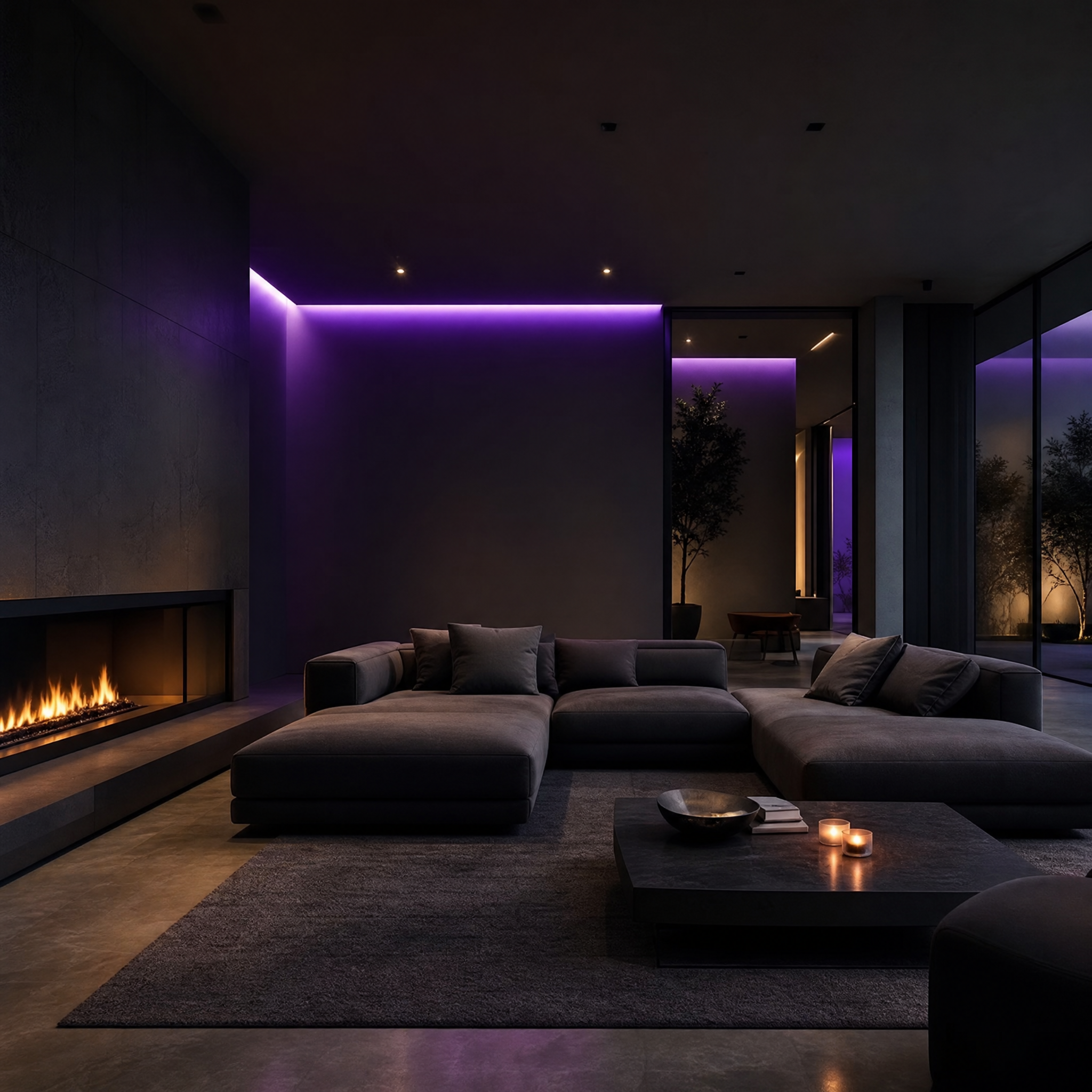
FLUX 2 Pro
Photorealism, sharp details, predictable lighting – for product visuals and advertising creatives.
Generate in Vlex AIDescribe an image with text and get results in minutes. Vlex AI offers FLUX 2 Pro, Midjourney, Seedream 4.5, Nano Banana Pro, GPT Image 2, and more in a single generator, no installation required.
Enter your request in the chat 👇
Don't know what to write? Check out examples of prompts on the blog.
The online image generator, powered by a neural network, accepts a text prompt and passes it to the selected AI model. The model creates a pixel image based on the description: subject, style, lighting, and background. With Vlex AI, you can change the model in one click—compare FLUX 2 Pro, Midjourney, and Seedream 4.5 without changing services. The result is downloaded from the browser.
Below are typical text-to-image scenarios with previews from the theme's local assets.
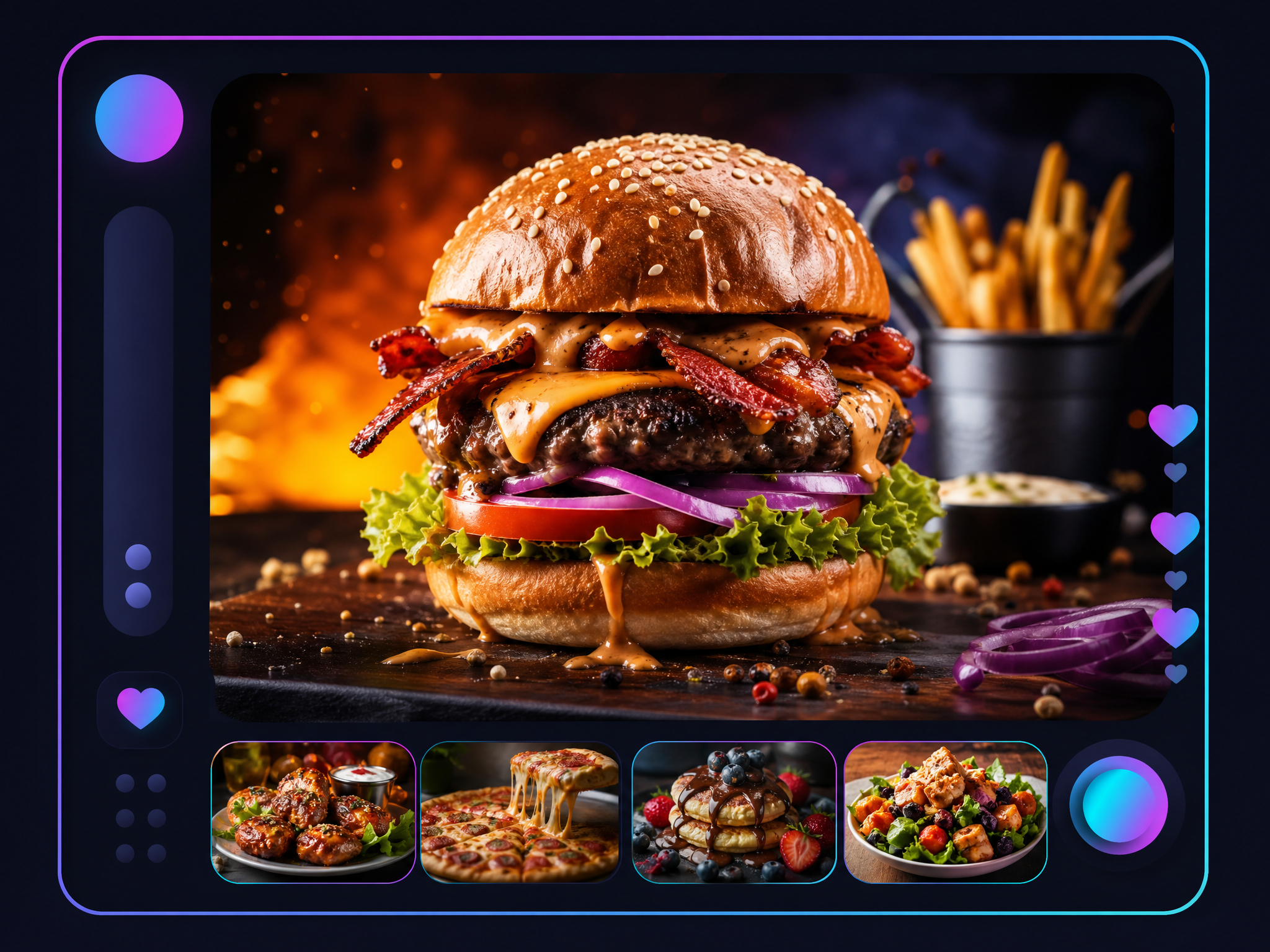
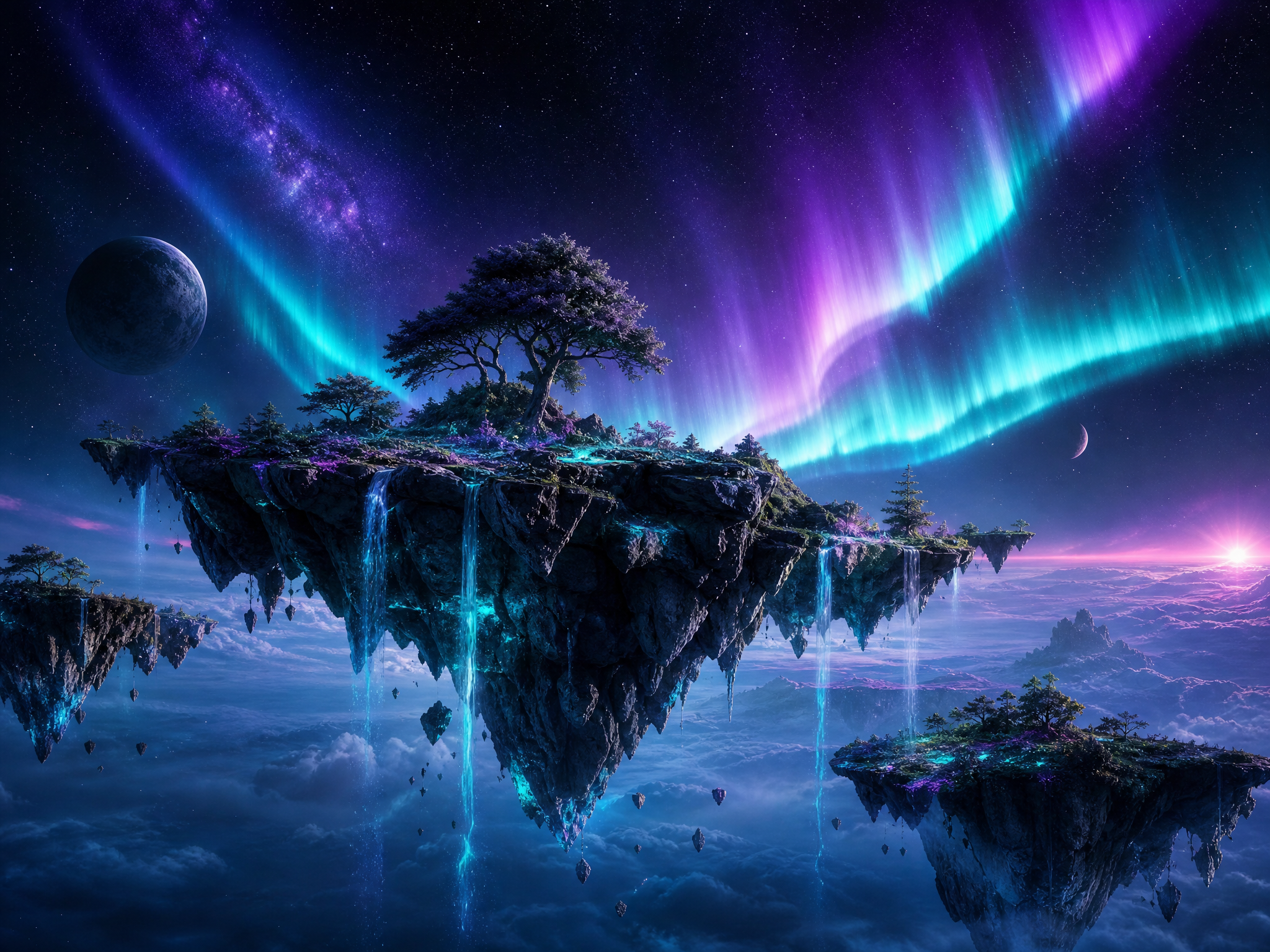
Different neural networks interpret prompts differently. FLUX 2 Pro is often chosen for realistic scenes and product photos. For expressive art, Midjourney is the best choice. Seedream 4.5 and GPT Image 2 are suitable for detailing and illustrations. comparison of models The pros and cons are discussed in more detail.
Photorealism, sharp details, predictable lighting – for product visuals and advertising creatives.
Generate in Vlex AI
Expressive artistic style and strong composition for concept art and brand visuals.
Generate in Vlex AI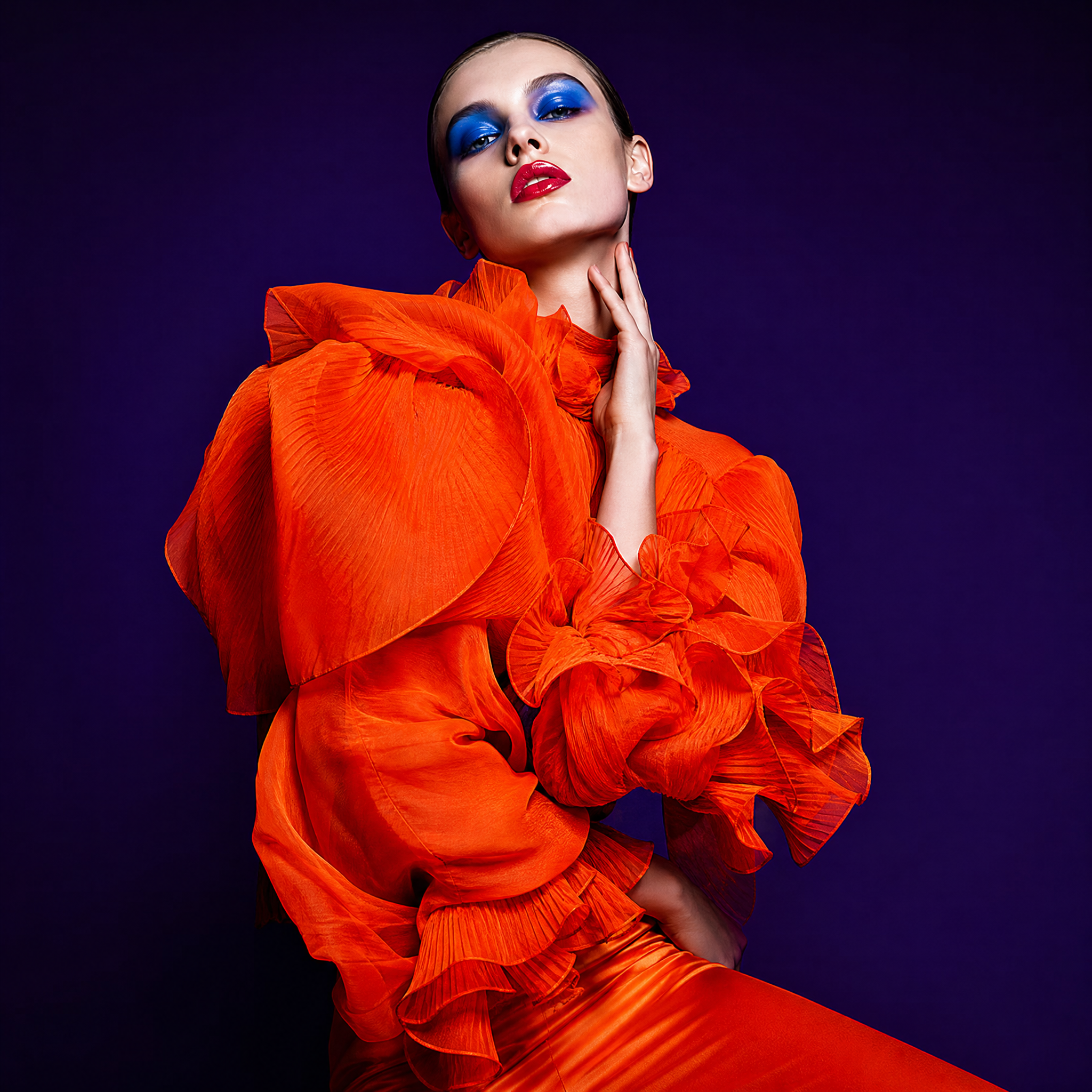
Detailed images and variations are provided for design reference.
Generate in Vlex AI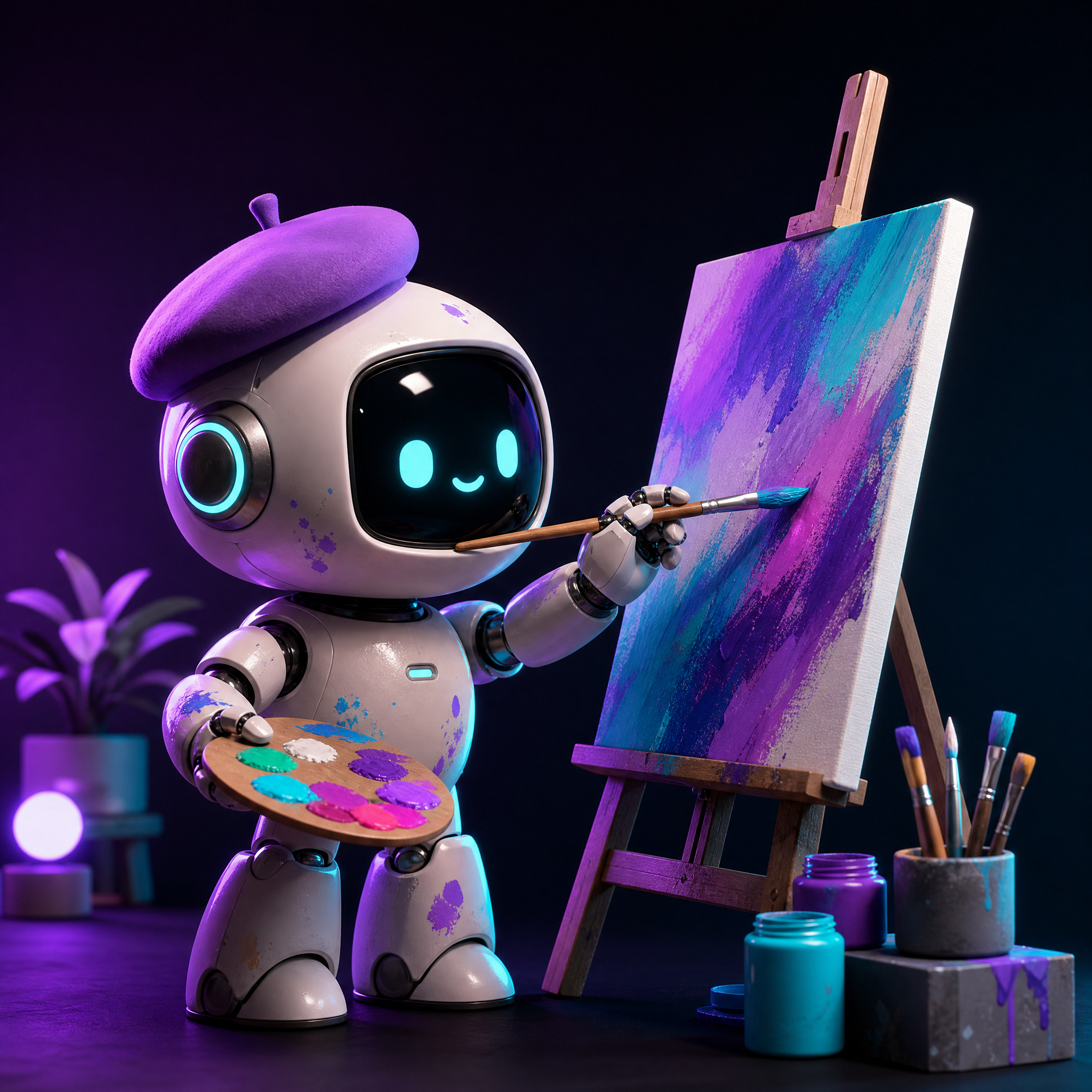
Rapid generation and style experiments – when iteration speed is important.
Generate in Vlex AIDesign: Logo concepts, mood boards, references for the client – several styles in one session.
Marketing: Banners, product cards, visuals for targeting—quick iterations without a photo shoot.
Content: Article covers, video previews, and post illustrations—unique visuals without stock images.
Related pages: free generation · aggregator
Kandinsky on GigaChat and Shedevroom with YandexART offer free access to the same ecosystem—enough for simple tasks in Russian. The Vlex AI online generator is useful when you need FLUX 2 Pro, Midjourney, Seedream 4.5, or another model from the catalog in a single window. An honest comparison of limits is available at free generation page. Comparison with Kandinsky.
Get trial access to vlex-ai.io – choose a model and create your first image based on the description.
Try it for free Russian Russian
  English